WIFI Remote Access for Windows Mobile 6.x
WIFI Remote Access Premium is now free for both personal and business use!
Download WIFI Remote Access Premium 1.7r4Browse the content of your Windows Phone 6.5 or Windows Mobile 6.0, 6.1 device from your computer's web browser using a WIFI connection without installing anything on your computer! Compatible with Windows Mobile Professional devices (with touchscreen) and Windows Mobile Standard devices (without touchscreen).
|
||||
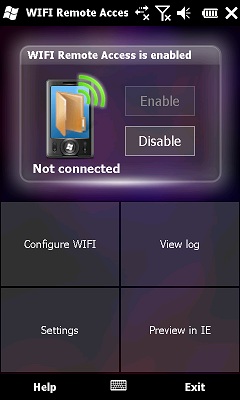 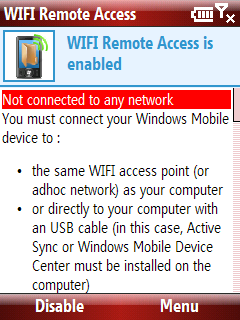 |
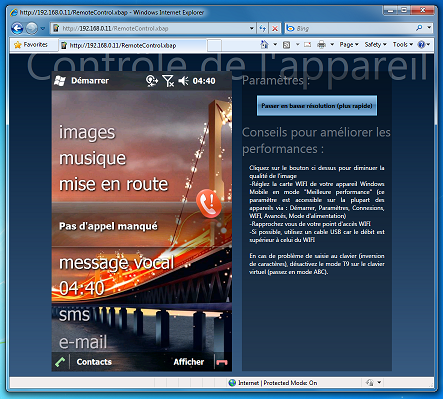
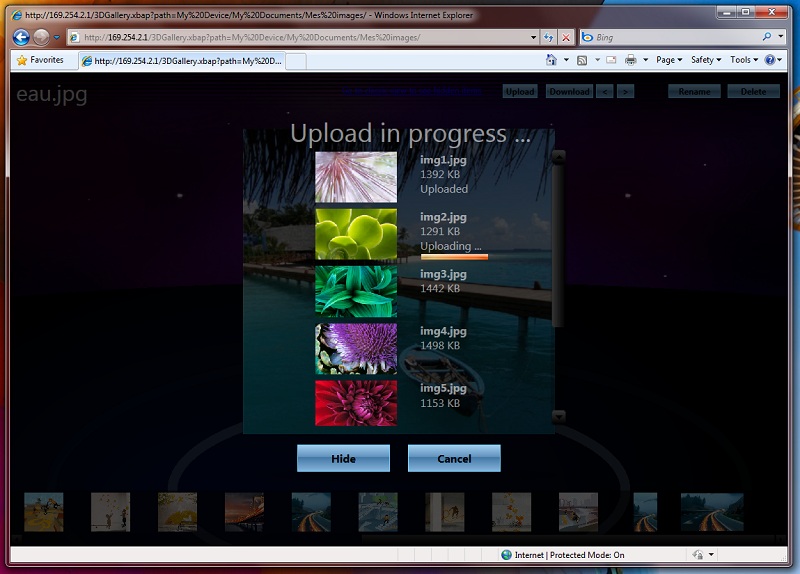
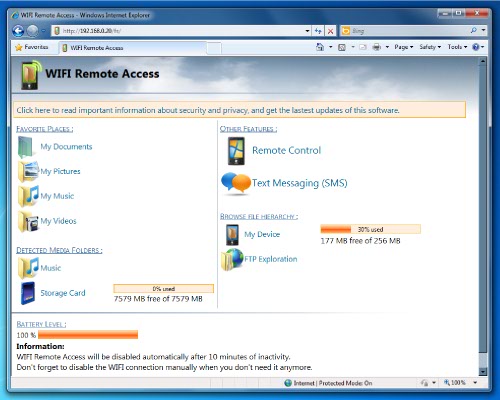 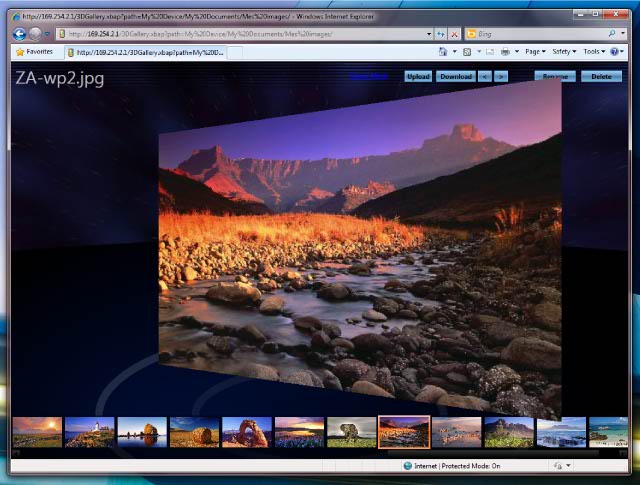 This free application will allow you to explore the content of your Windows Phone directly from your computer, through a WIFI connection without installing any client software on the computer! All you need is to open your web browser, and type the IP address of your phone (which is displayed on your phone screen). You will then be able to browse your data, pictures, and music and send files from your computer to your device. You can see pictures and listen music on your computer directly from the web interface. It also features a registry editor, for people who like to tweak their Windows Mobile device. Internet Explorer (6, 7 or 8) users on Windows XP or Vista (with .net framework 3.5 sp1 installed) or Windows 7 (.net framework 3.5 sp1 already included) will be able to browse their pictures from a 3D XBAP (XAML Browser Application) / WPF (Windows Presentation Foundation) based user interface (as seen on the screenshots below). They will also be able to upload multiple files at once through this interface. |
|||
|
||||
 |
WIFI Remote Access Premium 1.7r4 includes all the features of WIFI Remote Access Basic, plus the following features :
|
|||

 WIFI
Remote Access Premium
WIFI
Remote Access Premium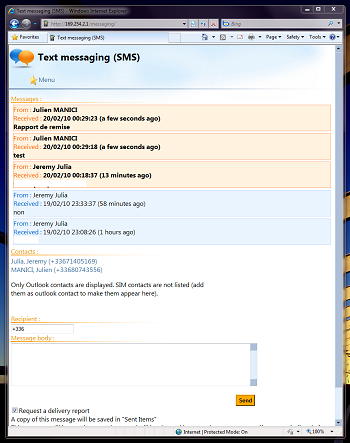
Translations available :
| Language | Availability | Author |
|---|---|---|
| English | Included | Julien MANICI |
| French | Included | Julien MANICI |
| Bulgarian | Manual update | vilio-cv |
| Chinese (simplified) | Manual update | 任鹏 |
| Chinese (traditional) | Manual download | Vinix. Download from "www.julien-manici.com/download/wrm/languages/zh-tw", then copy the "zh-tw" file to "\program files\WIFI Remote Access\res\languages\" and rename it to "zh". |
| Czech | Manual update | Perník |
| Danish | Manual update | Ratzai Yaghoub |
| Dutch | Manual update | Thanks to Sanity & Timothy and Daman Brett who both sent me a translation |
| German | Manual update | Thanks to Dennis Nolte, Morpheus, Technobrain and Starbase64 who all sent me a translation |
| Greek | Manual update | Bernikolas Marios |
| Hungarian | Manual update | Gidano |
| Italian | Manual update | Thanks to Mirco Carraro and Umberto d\'Agnone who both sent me a translation |
| Korean | Manual update | Jeongsik Yu. |
| Polish | Manual update | Jurek Pilniewicz |
| Portuguese | Manual update | Jorge Vila |
| Romanian | Manual update | florin7franky (on XDA-Developers) |
| Russian | Manual update | Вадим Богайсков |
| Slovenian | Manual update | Jurcek |
| Spanish | Manual update | Jorge Vila |
If your language is not listed here, feel free to contribute by sending me your own translation (you just have to edit the "en" file in "\program files\WIFI Remote Access\res\languages\")
Note that some translations are very outdated and no longer maintained by their original author, thus some parts of the application may not be fully translated in your language. If this is the case with your language, you can update the existing translation file and send it to me so that other users will be able to use a fully translated application.